
Webflow vs Squarespace vs Wix: Best Platform for Scalable, User-Friendly Design

Compare Webflow, Squarespace, and Wix for scalable design. Discover ease of use, pricing, and SEO. Choose the best fit for your needs.

By
Sumit Hegde
September 4, 2025
8 Minutes
read
In this post, we’ll cover:

Building a website that can scale with your business requires a platform that strikes the right balance between flexibility, ease of use, and long-term growth potential. The wrong choice can leave you locked into limitations that hinder expansion. 

Every day, 177,372 new websites are launched, and among them, businesses are faced with a critical decision: which platform will allow their website to evolve without compromise? 

If you're evaluating Webflow, Squarespace, or Wix for your scalable design needs, it's important to dive into the differences. We’ll break down these platforms to help you decide which one aligns with your goals for growth and user-friendly design.

Webflow vs Squarespace vs Wix: Feature Comparison Table

Website Builder Comparison Table
Feature Webflow Squarespace Wix
Design Control Complete CSS control Template boundaries Drag-and-drop freedom
Learning Curve Steep (3–6 months) Moderate (1–2 weeks) Easy (few hours)
SEO Capabilities Advanced controls Solid fundamentals Improved features
E-commerce Custom solutions Integrated tools User-friendly setup
Pricing (Monthly) $23–$235 $16–$99 $18–$159
Code Export No No No
Mobile Editing Responsive design Template-based Separate editor
Third-party Apps Limited Moderate 500+ integrations
Performance Fast loading Good speed Variable speed
Support Quality Technical focus Comprehensive Self-service focus

A Brief Introduction to Webflow, Squarespace, and Wix

As the demand for easier website creation grows, more businesses are turning to no-code platforms like Webflow, Squarespace, and Wix. These platforms allow anyone, regardless of their technical background, to create and manage websites with ease. 

Each platform offers unique features, but which one suits your needs for scalability, design flexibility, and user-friendliness? Let's take a deeper look at each.

1. Webflow

Webflow powers over 1.1 million websites and has earned trust from more than 300,000 leading organizations worldwide. This platform targets users who want complete design control without writing code. You get the power of custom development through a visual interface that produces clean, semantic HTML and CSS.

Key Features:

  • Visual development environment that generates production-ready code
  • Advanced CSS Grid and Flexbox controls for precise layouts
  • Built-in CMS with custom content structures and dynamic collections
  • Professional hosting with global CDN and automatic SSL certificates
  • Comprehensive SEO controls with custom meta tags and schema markup
  • E-commerce functionality with customizable checkout processes

Limitations:

  • Steep learning curve requires significant time investment
  • Higher pricing compared to competitors, especially for advanced features
  • Limited third-party integrations outside the Webflow ecosystem
  • CMS item limits can restrict large-scale content sites

2. Squarespace

Squarespace holds an 18% market share in the website builder space and focuses on design-forward templates with streamlined customization. 

You'll find this platform particularly strong for content-heavy sites, portfolios, and businesses that prioritize aesthetic appeal over technical flexibility.

Key Features:

  • Award-winning templates designed by professional artists and designers
  • Integrated blogging platform with advanced typography controls
  • Built-in analytics dashboard with detailed visitor insights
  • Comprehensive e-commerce tools including inventory management
  • Email marketing campaigns with automated sequences
  • 24/7 customer support via live chat and email

Limitations:

  • Limited customization options beyond template boundaries
  • No free plan available, monthly costs start immediately
  • Fewer third-party app integrations compared to competitors
  • Template switching requires rebuilding content structure
  • Advanced SEO features require higher-tier plans
  • Mobile responsiveness relies heavily on template quality

3. Wix

Wix powers around 200 million live websites worldwide. The platform emphasizes ease of use through its drag-and-drop interface and extensive app marketplace. You can build functional websites quickly, but customization depth varies significantly depending on your chosen approach.

Key Features:

  • Drag-and-drop editor with hundreds of customizable templates
  • App marketplace with over 500 third-party integrations
  • Wix ADI (Artificial Design Intelligence) for automated website creation
  • Comprehensive business tools including booking systems and invoicing
  • Mobile editor for separate mobile site optimization
  • Free plan available with Wix branding and limited features

Limitations:

  • Template switching is impossible without rebuilding from scratch
  • Free plan displays Wix ads and uses Wix subdomain
  • Loading speeds can be slower due to heavy code generation
  • Limited design control compared to professional platforms
  • E-commerce transaction fees on lower-tier plans
  • SEO capabilities lag behind specialized platforms

Now, let’s pit all three against each other. 

Webflow vs Squarespace vs Wix: A Detailed Comparison
The real test comes when you examine how these platforms perform against specific business needs. Each excels in different areas, but their weaknesses become apparent under scrutiny.

1. Customization and Design Flexibility

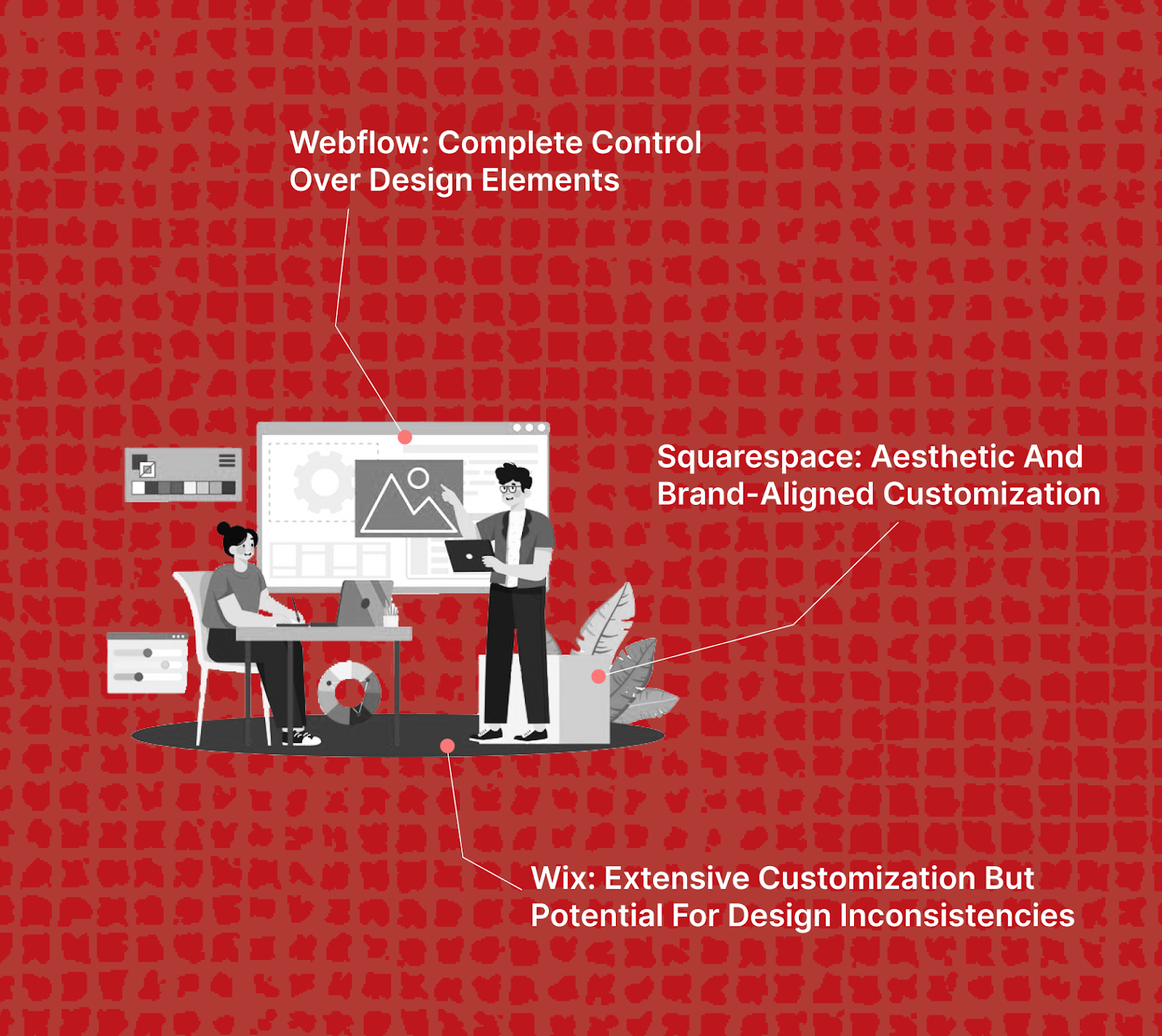
A. Webflow: Complete Control Over Design Elements 

Webflow treats you like a developer without requiring code knowledge. You manipulate CSS properties directly through visual controls, creating pixel-perfect designs that scale properly across devices.

B. Squarespace: Aesthetic and Brand-Aligned Customization 

Squarespace restricts customization to maintain design quality standards. You work within carefully crafted template boundaries, ensuring professional results while limiting creative freedom significantly.

C. Wix: Extensive Customization but Potential for Design Inconsistencies

Wix provides drag-and-drop freedom that can create visual chaos without proper design discipline. Unlimited positioning control leads to responsive design challenges across different screen sizes.

2. SEO and Performance Optimization

A. Webflow: Advanced SEO Settings and Optimization 

Webflow generates clean, semantic code that search engines love. You control meta tags, schema markup, and site structure with granular precision typically reserved for custom development.

B. Squarespace: Solid Tools for Basic SEO Needs 

Squarespace handles technical SEO fundamentals automatically while providing essential optimization tools. The platform covers standard requirements without overwhelming users with complex technical decisions.

C. Wix: Improved SEO Features for Visibility 

Wix has addressed historical SEO weaknesses through significant platform improvements. Modern Wix sites perform competitively in search results, though code bloat can still impact loading speeds.

3. E-commerce Capabilities
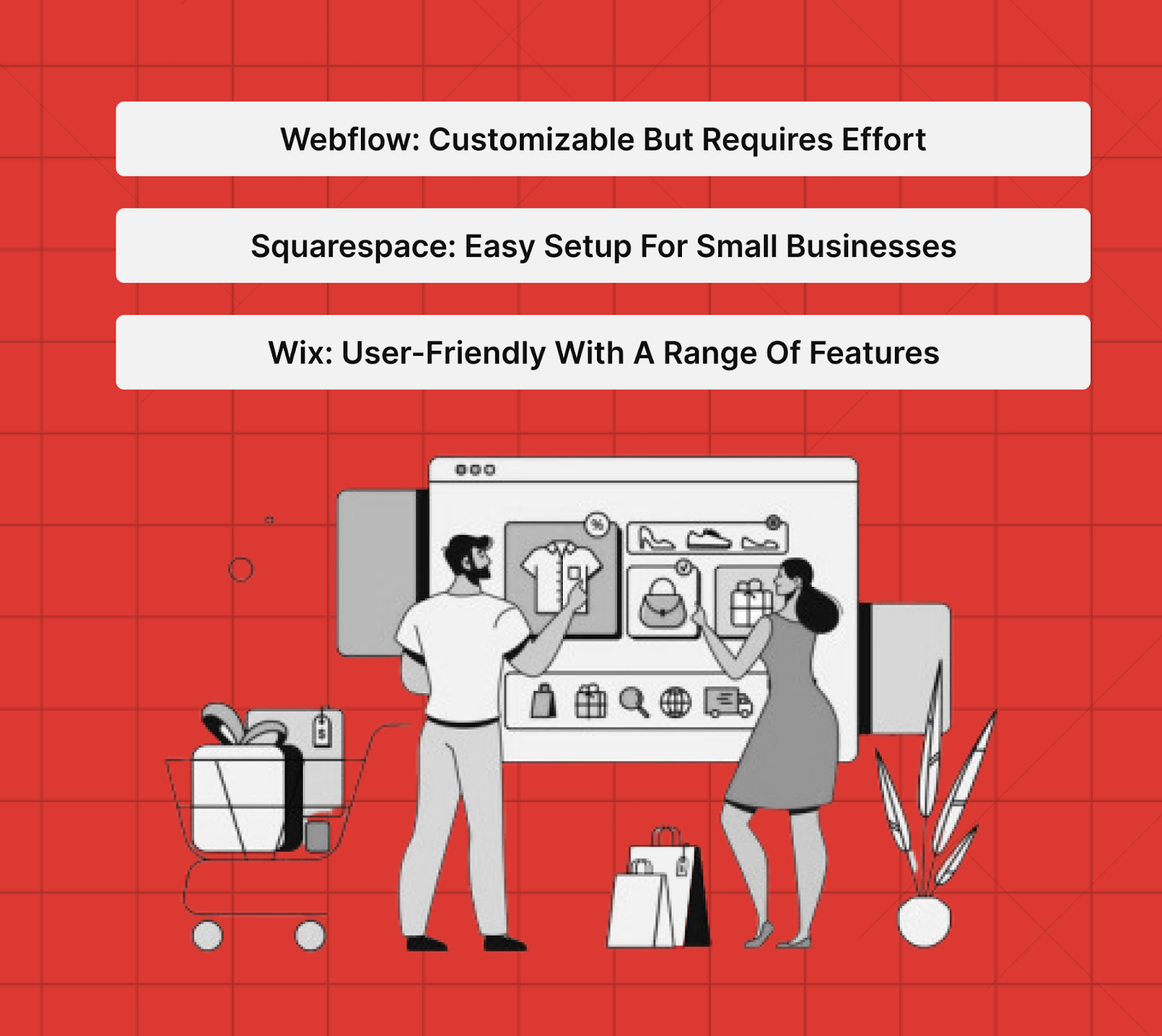
A. Webflow: Customizable but Requires Effort 

Webflow e-commerce demands design and development skills to create unique shopping experiences. You build custom product pages and checkout flows that match your exact brand vision.

B. Squarespace: Easy Setup for Small Businesses 

Squarespace streamlines online selling with integrated payment processing and inventory management. The platform handles complex e-commerce logistics while maintaining design consistency throughout the shopping experience.

C. Wix: User-Friendly with a Range of Features 

Wix combines ease of use with comprehensive business tools including abandoned cart recovery and advanced analytics. Third-party integrations expand functionality without requiring technical implementation skills.

4. Support and Learning Resources

A. Webflow: Technical Support and Webflow University 

Webflow University provides comprehensive design and development education alongside community forums. Support targets professional users who need detailed technical assistance for complex implementations.

B. Squarespace: Automatic Updates and Strong Support 

Squarespace maintains your site automatically while providing responsive customer service. The platform eliminates technical maintenance concerns, letting you focus purely on content and business operations.

C. Wix: Easy Management with Room for Support Improvement 

Wix offers extensive documentation and video tutorials for self-service problem solving. Direct support quality varies, but the platform's intuitive interface reduces the need for frequent assistance.

5. Ease of Use Comparison

A. Webflow: Designed for Experienced Designers 

Webflow assumes you understand design principles and CSS concepts. The learning curve resembles mastering professional design software rather than simple website building tools.

If you are a B2B SaaS business owner looking to build a sophisticated and customized website, it’s best to hire certified Webflow partners because of the platform’s advanced design capabilities. 

Beetle Beetle is a Webflow certified web design studio and has successfully designed over 100 websites using Webflow. For more details, check our work here.

B. Squarespace: Sleek Design and User-Friendly Interface 

Squarespace balances sophistication with accessibility through guided setup processes. You work within intuitive design systems that prevent common beginner mistakes while maintaining professional aesthetics.

C. Wix: Drag-and-Drop Freedom and Intuitive Setup 

Wix eliminates technical barriers with its visual editor and ADI system. Anyone can start building immediately, though achieving professional results requires understanding design fundamentals.

6. Pricing and Cost Analysis

A. Webflow: Higher Cost with Full Customization 

Webflow's CMS plan costs $29 monthly or $23 annually, while e-commerce plans reach $235 monthly. The investment reflects professional-grade capabilities but creates barriers for budget-conscious users seeking basic functionality.

Also read: Webflow Pricing: Free vs Paid Plans Explained 2025

B. Squarespace: Balanced Pricing for Usability 

Squarespace pricing ranges from $16 to $52 per month when billed annually, offering unlimited storage and bandwidth with each plan. The value proposition centers on design quality and integrated features rather than extensive customization options.

C. Wix: Affordable Initial Costs with Upgrade Flexibility 

Wix Business plans start at $17 monthly with a free plan available, though lower-tier plans include storage limits. Hidden costs emerge through premium apps and advanced features, making total ownership expenses unpredictable for growing businesses.

So, what's the best website builder for SaaS websites that require scalability, customization, and high performance? The answer, logically, is Webflow.

Best Website Builder for SaaS Websites

SaaS companies need websites that convert visitors into trial users and paying customers. Your platform choice directly impacts lead generation, user onboarding, and revenue growth. Generic templates rarely address the complex buyer journeys and technical integrations that B2B software requires.

Webflow emerges as the clear choice for SaaS websites that demand performance, customization, and scalability. The platform handles enterprise-level requirements while maintaining the flexibility needed for conversion optimization and growth experimentation.

Why We Use Webflow for Designing Our B2B Websites:

  • Advanced conversion tracking and analytics integration - Connect Google Analytics 4, Mixpanel, and custom tracking pixels without developer intervention, enabling precise funnel optimization and user behavior analysis.
  • Dynamic content management for product updates - Build automated product feature pages, pricing tables, and changelog sections that update across multiple pages simultaneously through Webflow's CMS collections.
  • Custom lead capture and form logic - Create multi-step forms with conditional logic, progressive profiling, and direct CRM integrations that qualify leads before they enter your sales pipeline.
  • Professional hosting with enterprise security - SSL certificates, global CDN, and 99.9% uptime SLA meet enterprise buyer requirements while maintaining fast loading speeds for international users. 

Why Choose Beetle Beetle for Webflow Services?

If you are a B2B SaaS company looking to transform your website into a lead-generating machine, we are your guys. Beetle Beetle is a Webflow-certified web design studio. 

With a team of 19 talented individuals, we have helped over 100 B2B SaaS companies boost their qualified leads and conversions with our visual branding and crystal clear messaging.

Our approach goes beyond pretty designs. We understand SaaS buyer psychology, conversion optimization, and the technical requirements that enterprise customers demand. From messaging strategy to pixel-perfect execution, we build websites that sell your software while you focus on building it.

Your competitors are already using professional Webflow development to capture the leads you're missing. Schedule a strategy call today and discover how why we are the best agency for the job.

Frequently Asked Questions

1. Which website builder is better for SEO, Webflow or Squarespace?

Webflow offers advanced SEO controls including custom meta tags, schema markup, and URL structures. Squarespace handles basic SEO well but lacks Webflow's technical optimization capabilities for competitive markets.

2. Can you switch from Wix to Webflow without losing your website design?

You must rebuild your website completely when switching from Wix to Webflow. Content and images transfer easily, but expect 4-8 weeks for full migration depending on complexity.

3. Is Webflow worth the higher cost compared to Squarespace and Wix?

Webflow's pricing reflects professional capabilities that improve conversion rates and search rankings. The investment pays off for businesses needing custom design solutions and advanced integrations.

4. What are the main disadvantages of using Wix for business websites?

Wix prevents template switching without rebuilds, generates heavy code affecting speed, and charges transaction fees. Growing businesses often outgrow Wix's capabilities and face expensive migration costs.

Have our team audit your website. For $0.

Looking to unlock the next stage of growth for your B2B SaaS product?

Read related articles

how to validate your saas idea from landing page

How to Validate Your SaaS Idea Using Landing Pages: 12 Proven Methods

Validate your SaaS idea with optimized landing pages. Create strong CTAs, use social proof, and minimize distractions. Test and refine for better insights. Click to start!
design headings

6 Best Practices for Designing Headings in 2025

Design headings that improve readability and guide users through your content. Explore practical strategies to structure and organize headings for clarity.
web page loading animation

Creating Web Page Loading Animations: Best Practices and Tips

Master web page loading animation with CSS and SVG. Elevate user experience using progress cues and brand-aligned styles. Enhance your site now!

The hottest SaaS marketing tips- straight in your inbox.

Get the latest strategies, teardowns, case studies and insights we get working with other SaaS clients.

Thank you! Your submission has been received!
Oops! Something went wrong while submitting the form.

Have a real human from our team audit your website. For $0.

Get 3-4 actionable tips on how to improve your website from a team that has spent the last 4ish years building B2B SaaS websites.

None of that generic BS you find when you google ‘how to improve my website’. We’ll go through your website and come up with a few suggestions that we think will help you capture, engage and convert visitors.

For absolutely free. Within 72 hours or less.

Please insert your website url & your email below

Thank you! Your submission has been received!
Oops! Something went wrong while submitting the form.
Get the latest resources on nailing your messaging and optimizing your website for conversions.
Thank you! Your submission has been received!
Oops! Something went wrong while submitting the form.
Back to Blog

Webflow vs Squarespace vs Wix: Best Platform for Scalable, User-Friendly Design

By
Sumit Hegde
September 4, 2025
8 Minutes
In this post, we’ll cover:

Building a website that can scale with your business requires a platform that strikes the right balance between flexibility, ease of use, and long-term growth potential. The wrong choice can leave you locked into limitations that hinder expansion. 

Every day, 177,372 new websites are launched, and among them, businesses are faced with a critical decision: which platform will allow their website to evolve without compromise? 

If you're evaluating Webflow, Squarespace, or Wix for your scalable design needs, it's important to dive into the differences. We’ll break down these platforms to help you decide which one aligns with your goals for growth and user-friendly design.

Webflow vs Squarespace vs Wix: Feature Comparison Table

Website Builder Comparison Table
Feature Webflow Squarespace Wix
Design Control Complete CSS control Template boundaries Drag-and-drop freedom
Learning Curve Steep (3–6 months) Moderate (1–2 weeks) Easy (few hours)
SEO Capabilities Advanced controls Solid fundamentals Improved features
E-commerce Custom solutions Integrated tools User-friendly setup
Pricing (Monthly) $23–$235 $16–$99 $18–$159
Code Export No No No
Mobile Editing Responsive design Template-based Separate editor
Third-party Apps Limited Moderate 500+ integrations
Performance Fast loading Good speed Variable speed
Support Quality Technical focus Comprehensive Self-service focus

A Brief Introduction to Webflow, Squarespace, and Wix

As the demand for easier website creation grows, more businesses are turning to no-code platforms like Webflow, Squarespace, and Wix. These platforms allow anyone, regardless of their technical background, to create and manage websites with ease. 

Each platform offers unique features, but which one suits your needs for scalability, design flexibility, and user-friendliness? Let's take a deeper look at each.

1. Webflow

Webflow powers over 1.1 million websites and has earned trust from more than 300,000 leading organizations worldwide. This platform targets users who want complete design control without writing code. You get the power of custom development through a visual interface that produces clean, semantic HTML and CSS.

Key Features:

  • Visual development environment that generates production-ready code
  • Advanced CSS Grid and Flexbox controls for precise layouts
  • Built-in CMS with custom content structures and dynamic collections
  • Professional hosting with global CDN and automatic SSL certificates
  • Comprehensive SEO controls with custom meta tags and schema markup
  • E-commerce functionality with customizable checkout processes

Limitations:

  • Steep learning curve requires significant time investment
  • Higher pricing compared to competitors, especially for advanced features
  • Limited third-party integrations outside the Webflow ecosystem
  • CMS item limits can restrict large-scale content sites

2. Squarespace

Squarespace holds an 18% market share in the website builder space and focuses on design-forward templates with streamlined customization. 

You'll find this platform particularly strong for content-heavy sites, portfolios, and businesses that prioritize aesthetic appeal over technical flexibility.

Key Features:

  • Award-winning templates designed by professional artists and designers
  • Integrated blogging platform with advanced typography controls
  • Built-in analytics dashboard with detailed visitor insights
  • Comprehensive e-commerce tools including inventory management
  • Email marketing campaigns with automated sequences
  • 24/7 customer support via live chat and email

Limitations:

  • Limited customization options beyond template boundaries
  • No free plan available, monthly costs start immediately
  • Fewer third-party app integrations compared to competitors
  • Template switching requires rebuilding content structure
  • Advanced SEO features require higher-tier plans
  • Mobile responsiveness relies heavily on template quality

3. Wix

Wix powers around 200 million live websites worldwide. The platform emphasizes ease of use through its drag-and-drop interface and extensive app marketplace. You can build functional websites quickly, but customization depth varies significantly depending on your chosen approach.

Key Features:

  • Drag-and-drop editor with hundreds of customizable templates
  • App marketplace with over 500 third-party integrations
  • Wix ADI (Artificial Design Intelligence) for automated website creation
  • Comprehensive business tools including booking systems and invoicing
  • Mobile editor for separate mobile site optimization
  • Free plan available with Wix branding and limited features

Limitations:

  • Template switching is impossible without rebuilding from scratch
  • Free plan displays Wix ads and uses Wix subdomain
  • Loading speeds can be slower due to heavy code generation
  • Limited design control compared to professional platforms
  • E-commerce transaction fees on lower-tier plans
  • SEO capabilities lag behind specialized platforms

Now, let’s pit all three against each other. 

Webflow vs Squarespace vs Wix: A Detailed Comparison

The real test comes when you examine how these platforms perform against specific business needs. Each excels in different areas, but their weaknesses become apparent under scrutiny.

1. Customization and Design Flexibility

A. Webflow: Complete Control Over Design Elements 

Webflow treats you like a developer without requiring code knowledge. You manipulate CSS properties directly through visual controls, creating pixel-perfect designs that scale properly across devices.

B. Squarespace: Aesthetic and Brand-Aligned Customization 

Squarespace restricts customization to maintain design quality standards. You work within carefully crafted template boundaries, ensuring professional results while limiting creative freedom significantly.

C. Wix: Extensive Customization but Potential for Design Inconsistencies

Wix provides drag-and-drop freedom that can create visual chaos without proper design discipline. Unlimited positioning control leads to responsive design challenges across different screen sizes.

2. SEO and Performance Optimization

A. Webflow: Advanced SEO Settings and Optimization 

Webflow generates clean, semantic code that search engines love. You control meta tags, schema markup, and site structure with granular precision typically reserved for custom development.

B. Squarespace: Solid Tools for Basic SEO Needs 

Squarespace handles technical SEO fundamentals automatically while providing essential optimization tools. The platform covers standard requirements without overwhelming users with complex technical decisions.

C. Wix: Improved SEO Features for Visibility 

Wix has addressed historical SEO weaknesses through significant platform improvements. Modern Wix sites perform competitively in search results, though code bloat can still impact loading speeds.

3. E-commerce Capabilities

A. Webflow: Customizable but Requires Effort 

Webflow e-commerce demands design and development skills to create unique shopping experiences. You build custom product pages and checkout flows that match your exact brand vision.

B. Squarespace: Easy Setup for Small Businesses 

Squarespace streamlines online selling with integrated payment processing and inventory management. The platform handles complex e-commerce logistics while maintaining design consistency throughout the shopping experience.

C. Wix: User-Friendly with a Range of Features 

Wix combines ease of use with comprehensive business tools including abandoned cart recovery and advanced analytics. Third-party integrations expand functionality without requiring technical implementation skills.

4. Support and Learning Resources

A. Webflow: Technical Support and Webflow University 

Webflow University provides comprehensive design and development education alongside community forums. Support targets professional users who need detailed technical assistance for complex implementations.

B. Squarespace: Automatic Updates and Strong Support 

Squarespace maintains your site automatically while providing responsive customer service. The platform eliminates technical maintenance concerns, letting you focus purely on content and business operations.

C. Wix: Easy Management with Room for Support Improvement 

Wix offers extensive documentation and video tutorials for self-service problem solving. Direct support quality varies, but the platform's intuitive interface reduces the need for frequent assistance.

5. Ease of Use Comparison

A. Webflow: Designed for Experienced Designers 

Webflow assumes you understand design principles and CSS concepts. The learning curve resembles mastering professional design software rather than simple website building tools.

If you are a B2B SaaS business owner looking to build a sophisticated and customized website, it’s best to hire certified Webflow partners because of the platform’s advanced design capabilities. 

Beetle Beetle is a Webflow certified web design studio and has successfully designed over 100 websites using Webflow. For more details, check our work here.

B. Squarespace: Sleek Design and User-Friendly Interface 

Squarespace balances sophistication with accessibility through guided setup processes. You work within intuitive design systems that prevent common beginner mistakes while maintaining professional aesthetics.

C. Wix: Drag-and-Drop Freedom and Intuitive Setup 

Wix eliminates technical barriers with its visual editor and ADI system. Anyone can start building immediately, though achieving professional results requires understanding design fundamentals.

6. Pricing and Cost Analysis

A. Webflow: Higher Cost with Full Customization 

Webflow's CMS plan costs $29 monthly or $23 annually, while e-commerce plans reach $235 monthly. The investment reflects professional-grade capabilities but creates barriers for budget-conscious users seeking basic functionality.

Also read: Webflow Pricing: Free vs Paid Plans Explained 2025

B. Squarespace: Balanced Pricing for Usability 

Squarespace pricing ranges from $16 to $52 per month when billed annually, offering unlimited storage and bandwidth with each plan. The value proposition centers on design quality and integrated features rather than extensive customization options.

C. Wix: Affordable Initial Costs with Upgrade Flexibility 

Wix Business plans start at $17 monthly with a free plan available, though lower-tier plans include storage limits. Hidden costs emerge through premium apps and advanced features, making total ownership expenses unpredictable for growing businesses.

So, what's the best website builder for SaaS websites that require scalability, customization, and high performance? The answer, logically, is Webflow.

Best Website Builder for SaaS Websites

SaaS companies need websites that convert visitors into trial users and paying customers. Your platform choice directly impacts lead generation, user onboarding, and revenue growth. Generic templates rarely address the complex buyer journeys and technical integrations that B2B software requires.

Webflow emerges as the clear choice for SaaS websites that demand performance, customization, and scalability. The platform handles enterprise-level requirements while maintaining the flexibility needed for conversion optimization and growth experimentation.

Why We Use Webflow for Designing Our B2B Websites:

  • Advanced conversion tracking and analytics integration - Connect Google Analytics 4, Mixpanel, and custom tracking pixels without developer intervention, enabling precise funnel optimization and user behavior analysis.
  • Dynamic content management for product updates - Build automated product feature pages, pricing tables, and changelog sections that update across multiple pages simultaneously through Webflow's CMS collections.
  • Custom lead capture and form logic - Create multi-step forms with conditional logic, progressive profiling, and direct CRM integrations that qualify leads before they enter your sales pipeline.
  • Professional hosting with enterprise security - SSL certificates, global CDN, and 99.9% uptime SLA meet enterprise buyer requirements while maintaining fast loading speeds for international users. 

Why Choose Beetle Beetle for Webflow Services?

If you are a B2B SaaS company looking to transform your website into a lead-generating machine, we are your guys. Beetle Beetle is a Webflow-certified web design studio. 

With a team of 19 talented individuals, we have helped over 100 B2B SaaS companies boost their qualified leads and conversions with our visual branding and crystal clear messaging.

Our approach goes beyond pretty designs. We understand SaaS buyer psychology, conversion optimization, and the technical requirements that enterprise customers demand. From messaging strategy to pixel-perfect execution, we build websites that sell your software while you focus on building it.

Your competitors are already using professional Webflow development to capture the leads you're missing. Schedule a strategy call today and discover how why we are the best agency for the job.

Frequently Asked Questions

1. Which website builder is better for SEO, Webflow or Squarespace?

Webflow offers advanced SEO controls including custom meta tags, schema markup, and URL structures. Squarespace handles basic SEO well but lacks Webflow's technical optimization capabilities for competitive markets.

2. Can you switch from Wix to Webflow without losing your website design?

You must rebuild your website completely when switching from Wix to Webflow. Content and images transfer easily, but expect 4-8 weeks for full migration depending on complexity.

3. Is Webflow worth the higher cost compared to Squarespace and Wix?

Webflow's pricing reflects professional capabilities that improve conversion rates and search rankings. The investment pays off for businesses needing custom design solutions and advanced integrations.

4. What are the main disadvantages of using Wix for business websites?

Wix prevents template switching without rebuilds, generates heavy code affecting speed, and charges transaction fees. Growing businesses often outgrow Wix's capabilities and face expensive migration costs.

Looking to unlock the next stage of growth for your B2B SaaS product?
See how we can help